The Dolomites
Unreal and Unity come with terrain systems but on the web you have to make your own so that is what I did. I got LiDAR data for the Trento region in the Dolomites and imported it into Houdini. From there I generated a height map, splat maps and instance data which was then passed to the web based terrain system to generate the mesh at runtime.
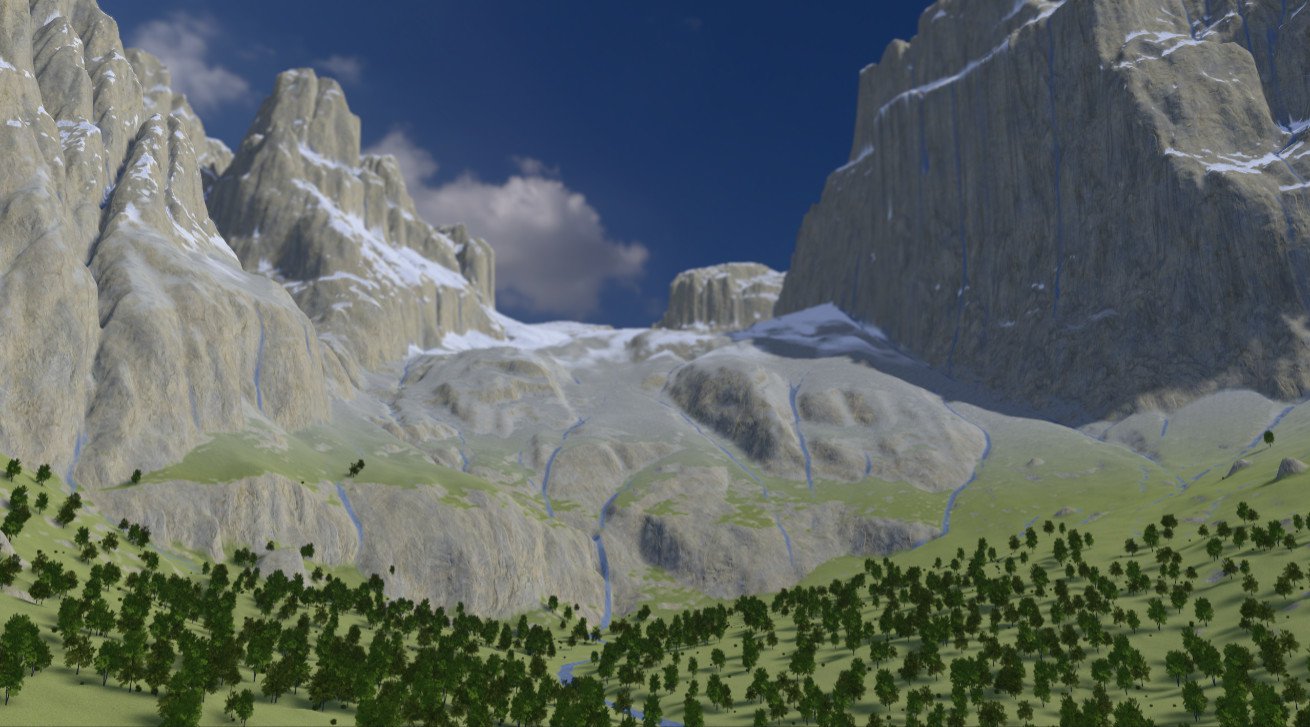
The size of the terrain is 3.5 x 3.5km. LiDAR data was downloaded as tiles in ASC format and then converted to heightfields in Houdini using the Python API. Layers for rock, grass, scree and snow where created using slope and height. A flowmap was used to create streams in the mountains while the rivers and roads in the valley were traced manually from the LiDAR data. Trees and bushes were scattered in the valley and exported as binary data.
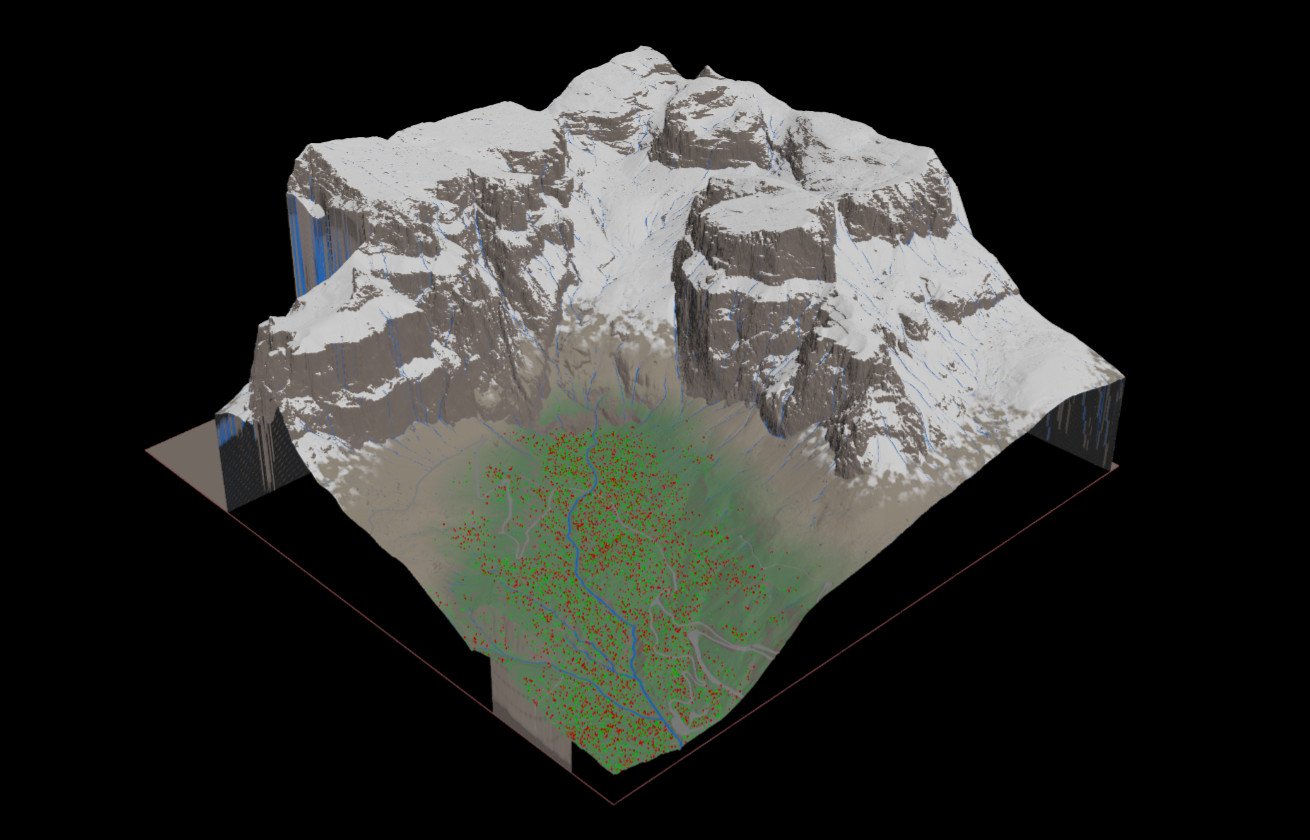
All this data was feed into the terrain system which creates the mesh at runtime in a web worker. A collider is created which is a lower resolution version of the visible mesh. The splat maps were used by the terrain material to apply different textures to different parts of the terrain. Each layer (e.g. grass) had two textures. One contained the base colour and the other contained the normal, roughness and ambient occlusion maps. Texture arrays were used to avoid bumping into the 16 texture slot limit in WebGL. Textures were converted to KTX to keep VRAM usage down. Tri-planar mapping was used for the rock layer to avoid the stretching issue you get with cliffs and UV mapping. A custom sampling function was used to reduce the appearance of a repeating pattern and GLBs for trees and bushes were instanced using transform data from Houdini.
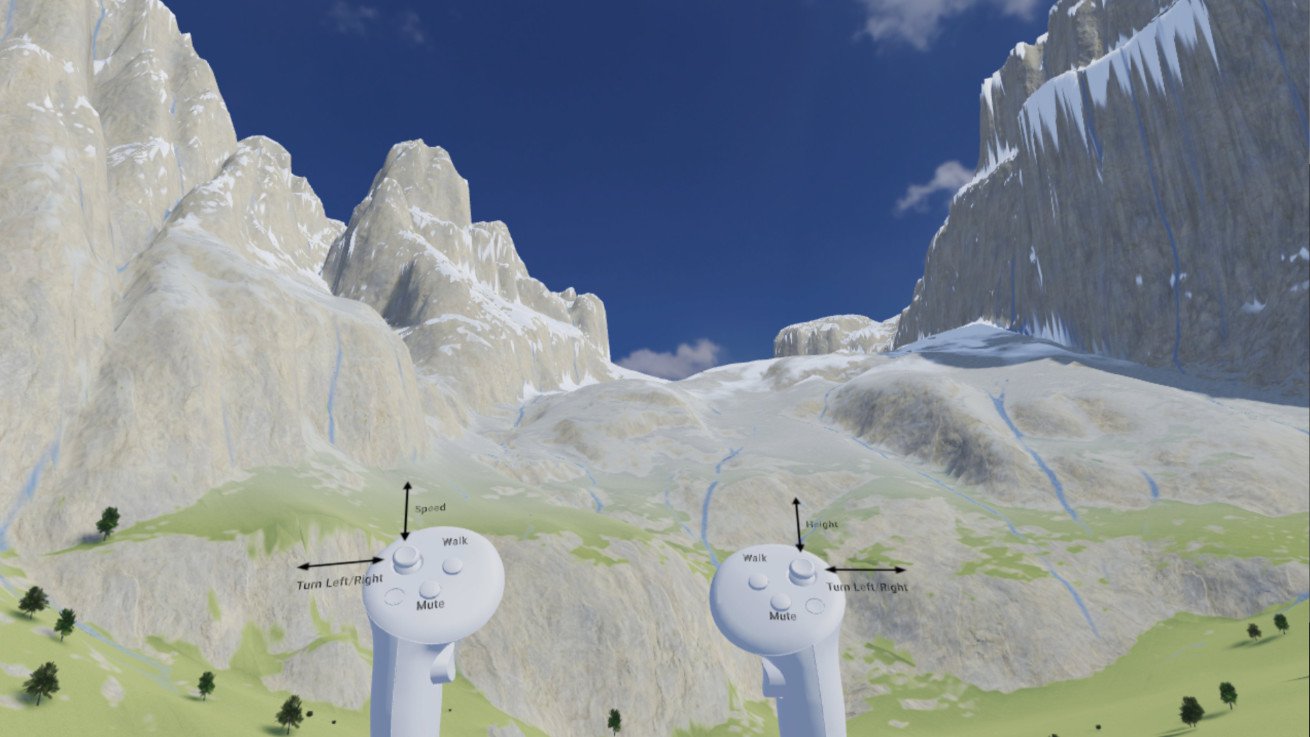
The project works on desktop/laptop, Android and Quest 3/3S. The number of trees and post-processing filters varies between platforms so that performance is maintained. On desktop and VR there are two modes - you can float over the landscape or walk around the landscape. In VR in walk mode, teleporting and snap-turning are used to avoid motion sickness. In float mode the direction you look is the direction you float.